
WG
WireGuard
Small codebase, fast reconnection, and strong performance on phones. Usually the sensible default when the implementation handles temporary connection metadata responsibly.
Best fitDaily use + mobile
Field guide01 / VPN
A virtual private network can protect traffic on an untrusted connection and change which network operator sees your destination. It cannot make you anonymous. This guide separates the useful engineering from the expensive theatre.
Threat model before product list
Without a VPN, your local network and internet provider can usually infer where your connection goes. With one, that visibility shifts toward the VPN company and its infrastructure partners. Websites can still recognize your account, browser, cookies, device traits, and behavior.
That makes a VPN a focused network tool—not a universal privacy switch. Start by naming the observer you want to reduce, then decide whether moving trust to a provider improves your situation.
Under the interfaceReal infrastructure
A VPN application negotiates encryption, but packets still cross access networks, transit links, and an exit server. Reliability depends on how the provider operates that chain.
HandshakeThe device and server agree on keys and protocol settings.
TransportEncrypted packets follow ordinary internet infrastructure.
ExitThe provider forwards traffic toward the destination.
Evaluation system6 checks
Good providers make narrow, verifiable claims and publish the uncomfortable details. Give more weight to architecture, ownership, and incident response than server counts or influencer rankings.
Ownership map
Identify the legal company, parent company, operating jurisdiction, executives, and infrastructure partners. A polished brand can be a thin layer over an unrelated owner. Favor clear corporate records and plain disclosures about subpoenas, warrants, and data requests.
Logging design
“No logs” is too vague. Look for an exact list of operational data, retention periods, timestamps, payment records, crash telemetry, and whether diagnostic sharing is opt-in.
Protocol quality
WireGuard and OpenVPN are well-studied choices. Avoid proprietary “accelerators” unless their design, limitations, and independent review are public.
Failure controls
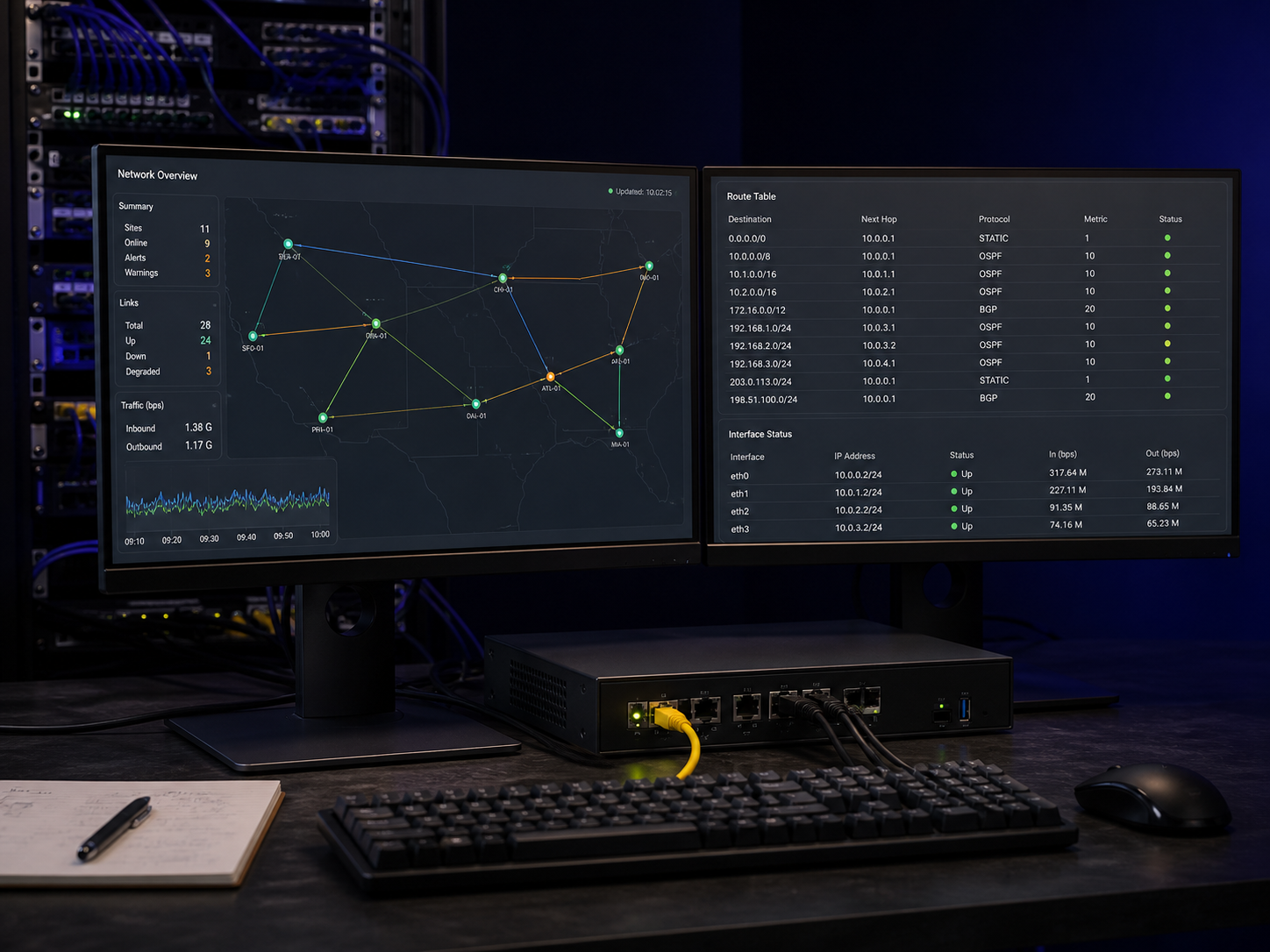
A kill switch should block traffic during connection drops, sleep/wake cycles, and network changes. DNS and IPv6 routing need to remain inside the intended path.
Application hygiene
Check signed releases, update cadence, supported OS versions, permission requests, tracker disclosures, and whether source code is available for meaningful review.
Accountability
Read who performed the review, which applications and servers were included, the dates covered, and whether findings were remediated. Transparency reports, warrant canaries, and honest post-incident notes are supporting signals—not substitutes for safer engineering.
Protocol deskPlain language
Protocol choice is mostly a balance of reliability, speed, battery use, and network compatibility. Encryption labels alone do not tell you how safely a provider operates the service.
Do not disable certificate checks or install a provider’s custom root certificate just to make a connection work.
Small codebase, fast reconnection, and strong performance on phones. Usually the sensible default when the implementation handles temporary connection metadata responsibly.
Best fitDaily use + mobile
Mature, configurable, and broadly supported. It can be useful on restrictive or unusual networks, though it is generally heavier and less battery-friendly.
Best fitCompatibility + control
Quick to reconnect while moving between Wi‑Fi and cellular. Native OS support can be convenient, but implementation quality and platform configuration still matter.
Best fitNetwork switching
Legacy technology with known security weaknesses. Convenience or old-device compatibility does not make it suitable for protecting sensitive traffic.
StatusAvoid

Beyond the location pinExit reality
A different address may change regional results or reduce local-network visibility. It does not clear cookies, sign out accounts, or make a familiar browser look unrelated.
Use-case mapContext matters
Prioritize automatic connection, a reliable kill switch, secure DNS handling, and a nearby exit location. HTTPS already protects page contents; the VPN adds a controlled network path.
Focus on provider trust, consistent DNS behavior, and stable long sessions. Remember that signed-in platforms and ad-tech can still identify you above the network layer.
Use the organization-approved client and configuration. A consumer VPN is not a replacement for authenticated access to internal systems, device compliance, or your employer’s security controls.
A VPN may be one layer, but identity separation, safe devices, browser isolation, secure communication, and specialist advice can matter more. Do not improvise around legal or personal safety risk.
Deep guide / Network layer
A virtual private network is best understood as a change in route and trust. It creates an encrypted connection between your device and a VPN server, then sends internet traffic onward from that server. This can be valuable on an untrusted network, when you want to reduce what an internet provider can learn, or when an organization needs controlled remote access.
It does not make a person invisible, erase browser history, or replace secure websites, careful account use, and an updated device. Understanding that boundary makes it much easier to compare VPN services without being distracted by dramatic security language.
Without a VPN, your device normally sends traffic through a router and an internet service provider before it reaches the destination. HTTPS encrypts the contents of most modern web sessions, but the local network and provider can still observe connection metadata and often infer which services you contact. After a VPN connects, that first visible destination becomes the VPN server.
People sharing the local Wi-Fi and the internet provider can see that an encrypted VPN connection exists, plus timing and volume, but not the ordinary destinations carried inside it. The website sees the VPN server’s public IP instead of the home or mobile IP. The VPN operator now occupies a privileged position, so encryption does not remove the need to assess ownership, infrastructure, and data handling.
A correctly configured VPN can replace the public IP address shown to websites and prevent a café, hotel, landlord, or broadband provider from directly reading the destinations inside the tunnel. That is a precise and useful network-layer change, but it is not the same as anonymity.
Anything above the network layer can still identify you. A site can recognize a signed-in account, first-party cookies, advertising identifiers, browser storage, payment details, or a distinctive device configuration. Malware, phishing, unsafe extensions, and a compromised device are separate risks. Split tunneling also matters: any excluded app continues to use the ordinary connection, so every exception should be deliberate and documented.
DNS converts a name into an address a device can reach. If those requests go to the local provider while other traffic uses the VPN, the provider may still learn which domains you request. A well-designed app sends DNS through the encrypted route and explains whether resolution is operated by the VPN company or a named third party. A third-party resolver is not automatically a leak; the path should match the documented design.
IPv6 can escape when the device has IPv6 connectivity but the VPN handles only IPv4. The application should route IPv6 correctly or block it safely. WebRTC is different: browser real-time communication features can expose network addresses through browser APIs. Test all three after installation, major updates, reconnects, sleep and wake, and changes between Wi-Fi and cellular data.
WireGuard is compact and often fast, especially on mobile devices. OpenVPN is mature, configurable, and useful where compatibility matters. IKEv2/IPsec can reconnect quickly during network changes. The protocol name is only one part of the system: certificate validation, key handling, app permissions, server configuration, and update practices can strengthen or undermine a sound standard. An undocumented proprietary protocol is a claim that needs technical evidence.
Read logging language literally. “No activity logs” may still allow connection timestamps, bandwidth totals, device identifiers, crash reports, or account and payment records. Look for a precise inventory, purpose, retention period, deletion process, and diagnostic opt-in. An audit is useful only when the report identifies systems, dates, exclusions, findings, and remediation. Speed claims also depend on distance, congestion, device power, protocol, local Wi-Fi, and time of day.
Start with the threat you are addressing, then compare ownership, jurisdiction, protocol support, DNS and IPv6 handling, kill-switch behavior, app maintenance, and incident transparency. Prefer explanations you can verify over enormous server counts or vague claims of total anonymity. Before connecting, record the public IP region, DNS resolvers, latency, and a few repeatable download results.
Connect to a nearby server and repeat the measurements. Check the visible IP, DNS path, IPv6 behavior, and WebRTC results in the browsers you use. Then interrupt the tunnel, change networks, lock and wake the device, and confirm that traffic does not quietly escape before reconnection. The final question is simple: can you explain what the VPN changes, what remains exposed, and what evidence shows it behaves as promised?
After setup10-minute lab
Test on the networks and devices you actually use. Run the same checks after major app, browser, or operating-system updates.
Before connecting, note your public IP region and the DNS resolvers reported by a reputable leak-testing service. You need a before-state to recognize a meaningful change.
Confirm that the visible IP matches the selected VPN region and that DNS requests are not being sent to your local provider. Check both IPv4 and IPv6 where available.
While loading a page, interrupt the VPN process or switch networks. With a kill switch enabled, traffic should stop rather than quietly fall back to the ordinary connection.
Check WebRTC exposure and remember that cookies, account sessions, and fingerprinting remain independent of the tunnel. A changed IP is not a changed identity.
Compare latency and download performance across two nearby servers at similar times. Some overhead is expected; dramatic instability is a better warning sign than a single speed-test score.
Short answersVPN FAQ
No. It can hide traffic destinations from the local network and replace your public IP, but websites can still identify you through logins, cookies, browser fingerprinting, payment records, and behavior. Treat anonymity as a separate, much harder goal.
Price alone proves nothing, but operating a large network costs money. A free service should clearly explain its funding, limits, data practices, and ownership. Be cautious when the business model depends on advertising, resale of behavioral data, or an unexplained parent company.
For routine ISP-visibility reduction and untrusted networks, always-on can be convenient. Some banking, workplace, or local-network services may need split tunneling or a temporary disconnect. Configure exceptions narrowly and understand what bypasses the tunnel.
It means little without the full scope. Verify the auditing firm, systems examined, testing dates, access level, exclusions, findings, and remediation. A focused app test from years ago does not validate every current server or privacy claim.