
The network path
- Local Wi-Fi sees an encrypted connection.
- Websites receive the VPN exit address.
- Your ISP sees less destination detail.
Independent privacy field notesEdition 2026
A VPN changes the route—not your identity. Learn where the tunnel helps, where it stops, and how to choose without the hype.
See how it works01No paid rankings
02No anonymity promises
03Evidence before claims
Plain-English guidance
01 / Read the network
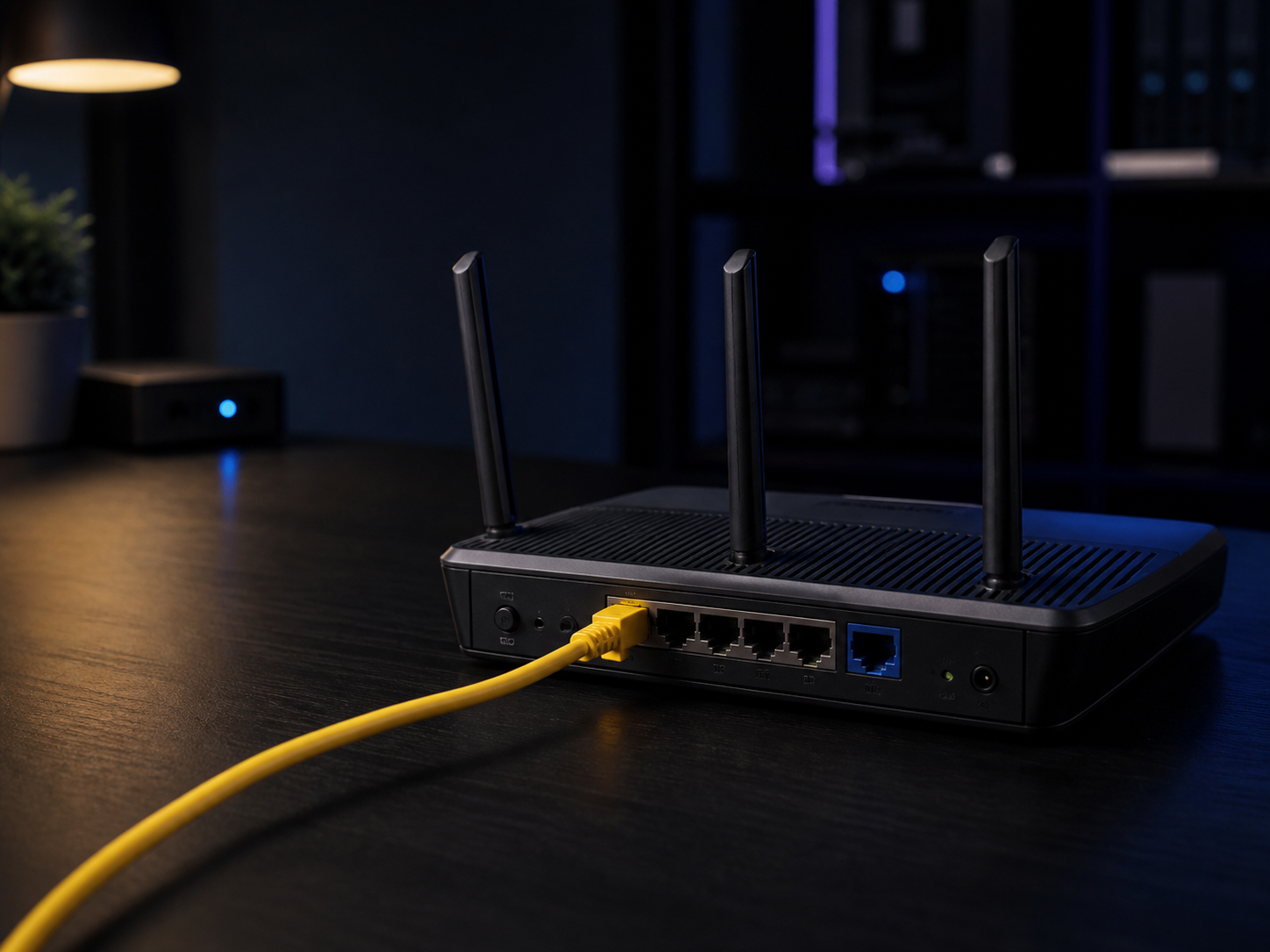
Your device, the nearby Wi-Fi, the VPN operator, and the website each see a different part of the trip. The useful question is not “am I invisible?” It is “who can see what now?”

Field note / Infrastructure
Every privacy claim eventually meets real equipment. A useful mental model follows the connection through three boundaries instead of treating “the internet” as one invisible place.
Access networkYour router and provider carry the first hop.
Encrypted routeA VPN changes which operator sees the destination.
Public serviceThe website still receives browser and account signals.
02 / The route, in pictures
Follow the same connection from your screen to the internet. Each stop changes the privacy decision.
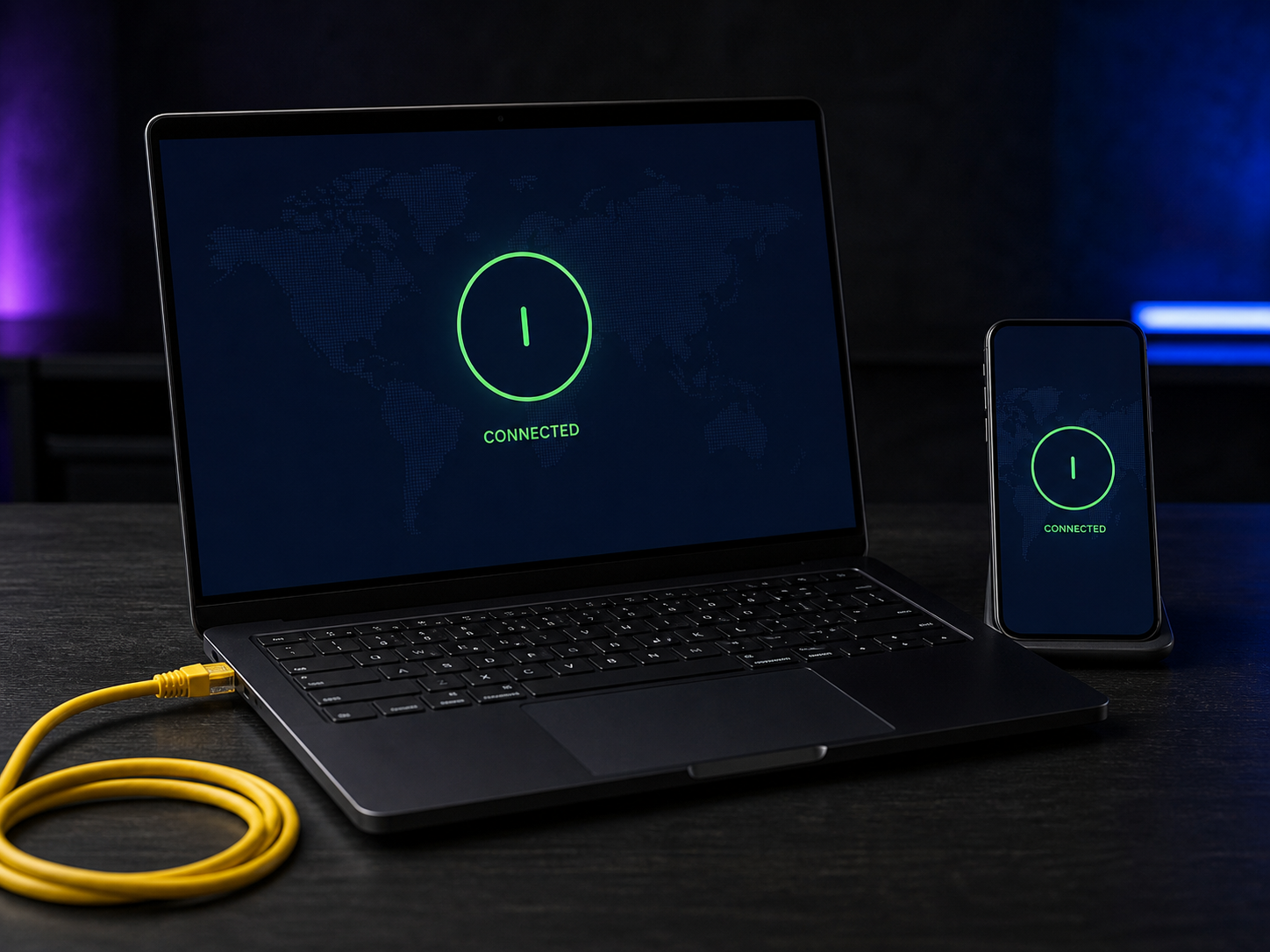
Your device
Local network
VPN operator
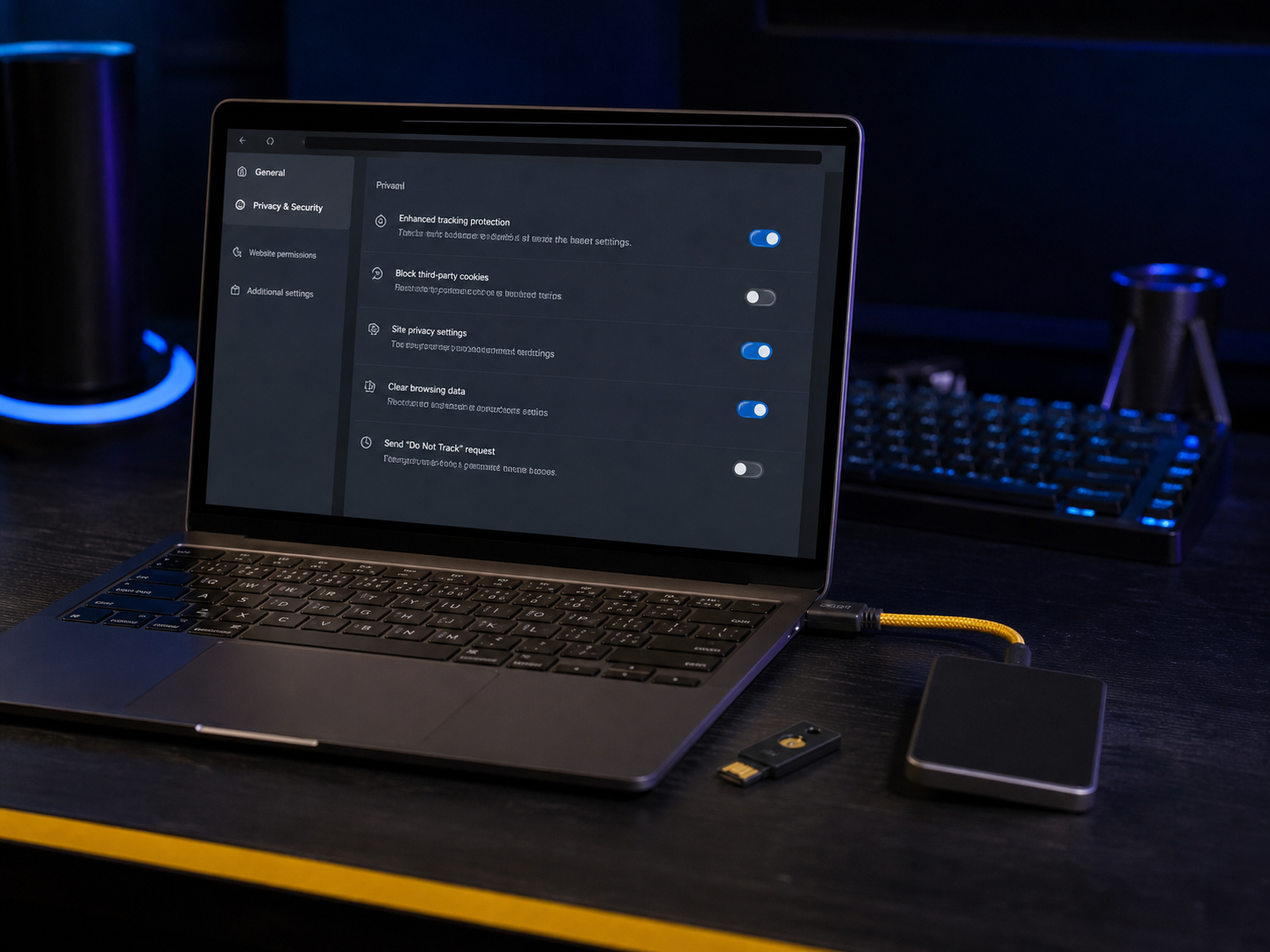
Website
03 / VPN reality
Field note / What remains
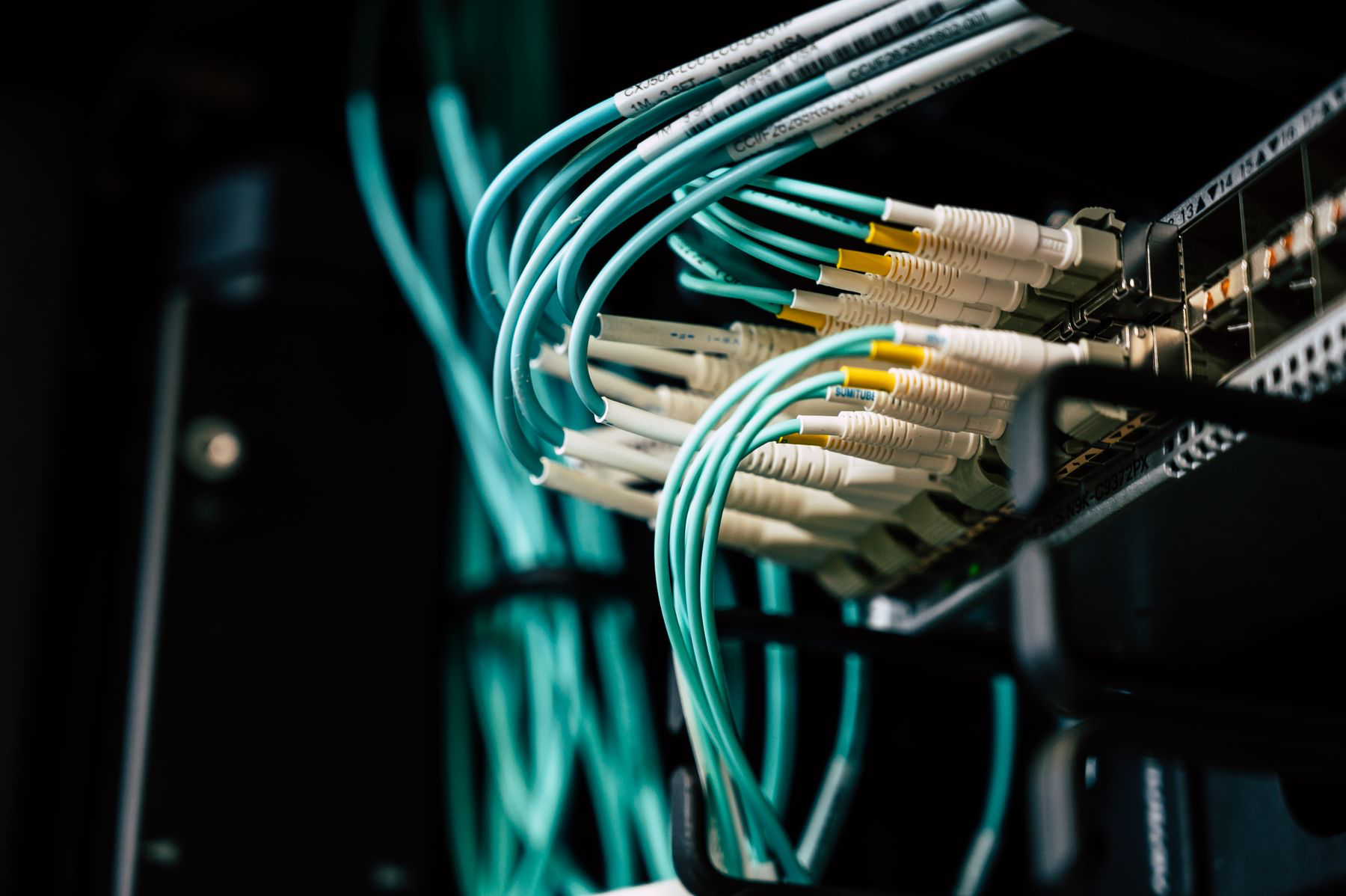
The tunnel can hide destinations from the local network and replace your visible address. The account, browser storage, device settings, and actions inside the page remain separate evidence.
04 / Before checkout
A serious operator publishes details that marketing would rather hide. Open each check before trusting the logo on an app.
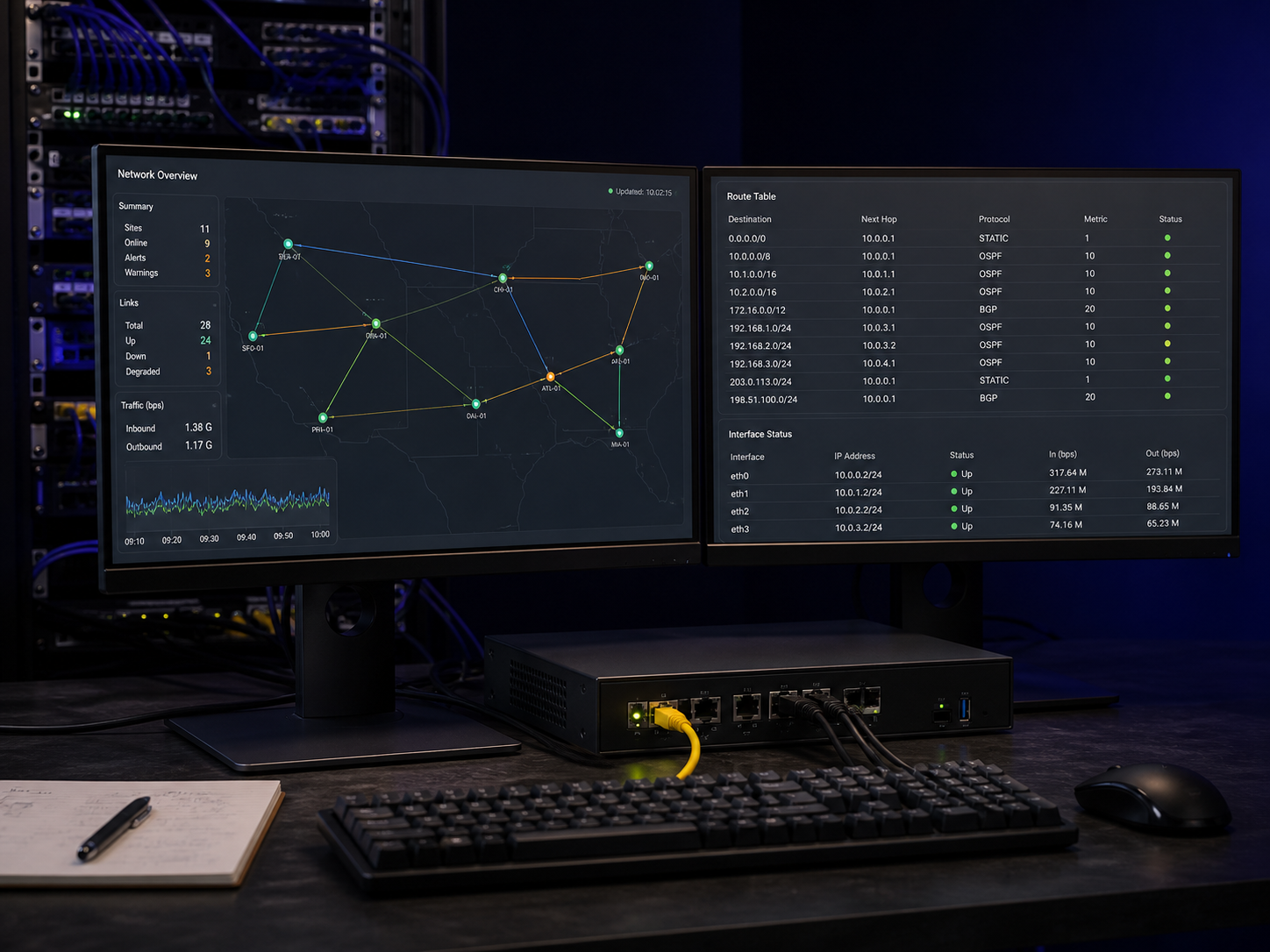
Name the legal company, parent organization, jurisdiction, executives, and infrastructure partners. A polished brand is not an accountability structure.
Open the ownership checkLook beyond “no logs.” Check timestamps, bandwidth records, payment data, diagnostics, retention periods, and whether telemetry is optional.
Prefer well-studied standards such as WireGuard and OpenVPN. Avoid legacy PPTP and unexplained proprietary accelerators.
Test the kill switch, DNS path, IPv6 handling, sleep and wake cycles, and transitions between Wi-Fi and cellular.
Read the audit scope, date, systems examined, exclusions, findings, and remediation. A badge without a report is decoration.
05 / Field library
06 / Everyday privacy plan
Online privacy is not a switch that turns on when you connect to a VPN. It is a series of decisions about your network, browser, accounts, devices, and daily habits. A VPN can protect traffic between your device and the VPN server, especially on networks you do not control. It cannot decide which websites you trust, remove information you submit, or stop an account from recognizing you after you sign in.
A sensible setup starts with the situation in front of you. The goal is not to hide every signal or install every available tool. It is to reduce unnecessary exposure while keeping your devices reliable enough to use every day.
Before choosing a tool, identify what you are doing and what could realistically go wrong. Reading the news at home, checking a bank account in an airport, working with confidential documents, and researching a sensitive subject are different situations. They do not require identical settings. Ask three questions: what information matters here, who might observe it, and what would the consequence be?
On a shared network, the immediate concern may be whether the connection is configured safely. On a personal device, an outdated operating system or a reused password may matter more than the visible IP address. For a signed-in account, the service already knows who you are even if a VPN changes the network route. This simple risk check keeps privacy from becoming a collection of disconnected apps.
A VPN should be easy to understand when it connects, disconnects, or changes networks. Begin with a modern protocol supported directly by the provider’s application. Enable the kill switch if losing the tunnel would expose traffic you intended to route through it. Test what happens when Wi-Fi drops, the device wakes from sleep, or you move between Wi-Fi and cellular data.
Check that DNS requests follow the intended route and that IPv6 is handled correctly. Repeat those checks after major app updates, operating-system upgrades, or network changes. Avoid enabling every advanced option simply because it sounds protective. Multi-hop routes and aggressive blocking can add latency or make troubleshooting harder. Start with a stable baseline, document the settings that work, and add complexity only when it solves a named problem.
Most everyday tracking happens above the network connection. Websites can recognize signed-in accounts, browser cookies, advertising identifiers, saved sessions, and combinations of device characteristics. A VPN does not automatically remove these signals. Use separate browser profiles when you need a clear boundary between work, personal browsing, and research, and remove extensions that no longer serve a purpose.
Account security matters just as much. Use unique passwords stored in a reputable password manager, enable multifactor authentication, and prefer a security key or authenticator app when available. Keep recovery codes offline in a place you can reach if a phone is lost. These controls do not make browsing anonymous, but they reduce the chance that one compromised credential exposes several parts of your digital life.
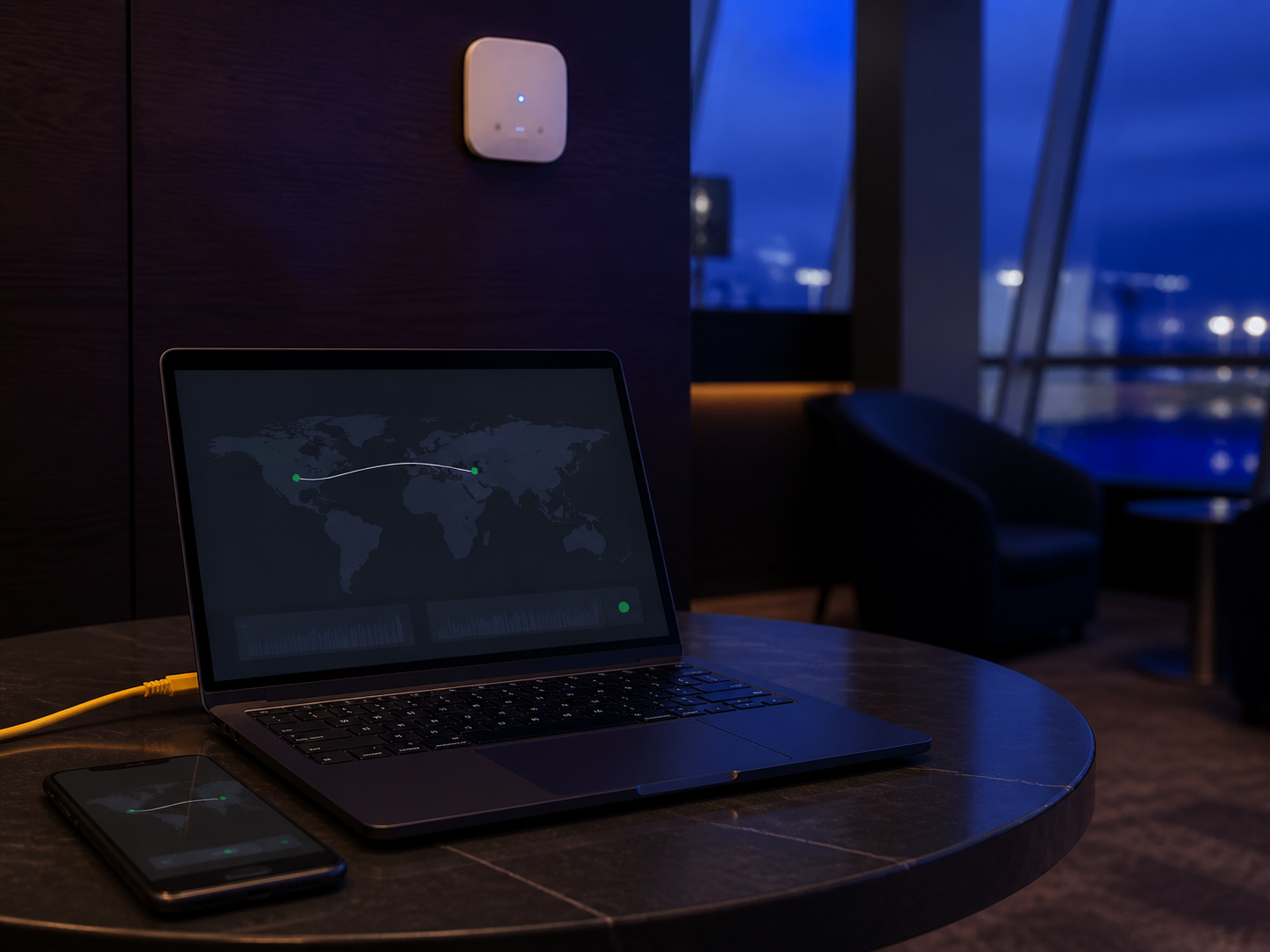
Modern HTTPS encrypts the contents of most web sessions, but public Wi-Fi still deserves care. A VPN can reduce what the local network learns about your destinations and provide a consistent encrypted route when the network is managed by an unknown operator. Confirm the network name with staff instead of trusting the strongest signal, and disable automatic connection to remembered networks.
Turn off file sharing and local device discovery when they are not needed. Be cautious if a captive portal asks for more information than access reasonably requires. If a network repeatedly redirects pages or prevents the VPN from connecting, a personal hotspot may be the clearer option. Before travel, install updates, save backup authentication codes, and confirm that essential accounts remain accessible.
Privacy tools lose value when they are outdated, forgotten, or too complicated to test. Every few months, review your VPN application, browser extensions, account sessions, recovery methods, and device permissions. Remove software you no longer use. Install operating-system and browser updates from official channels, and check whether important settings changed during an upgrade.
Pay attention to changes in ownership, privacy policies, supported protocols, audit reports, and application permissions. Keep a short note describing why each tool is installed and which problem it addresses. A maintainable privacy baseline is usually modest: updated devices, protected accounts, a carefully configured browser, reliable backups, and a VPN used where its network protection is relevant.
07 / Editorial desk
Send a correction, suggest a guide, or ask about this website. Never include credentials, recovery codes, or payment details.
[email protected]